Getting started
Sign in and open a programme
Sign in to CoverageTrackr, confirm the active programme and switch to another programme when needed.
Before you start
- You have an active CoverageTrackr web account.
- Your administrator has assigned you to the required programme.
Open CoverageTrackr
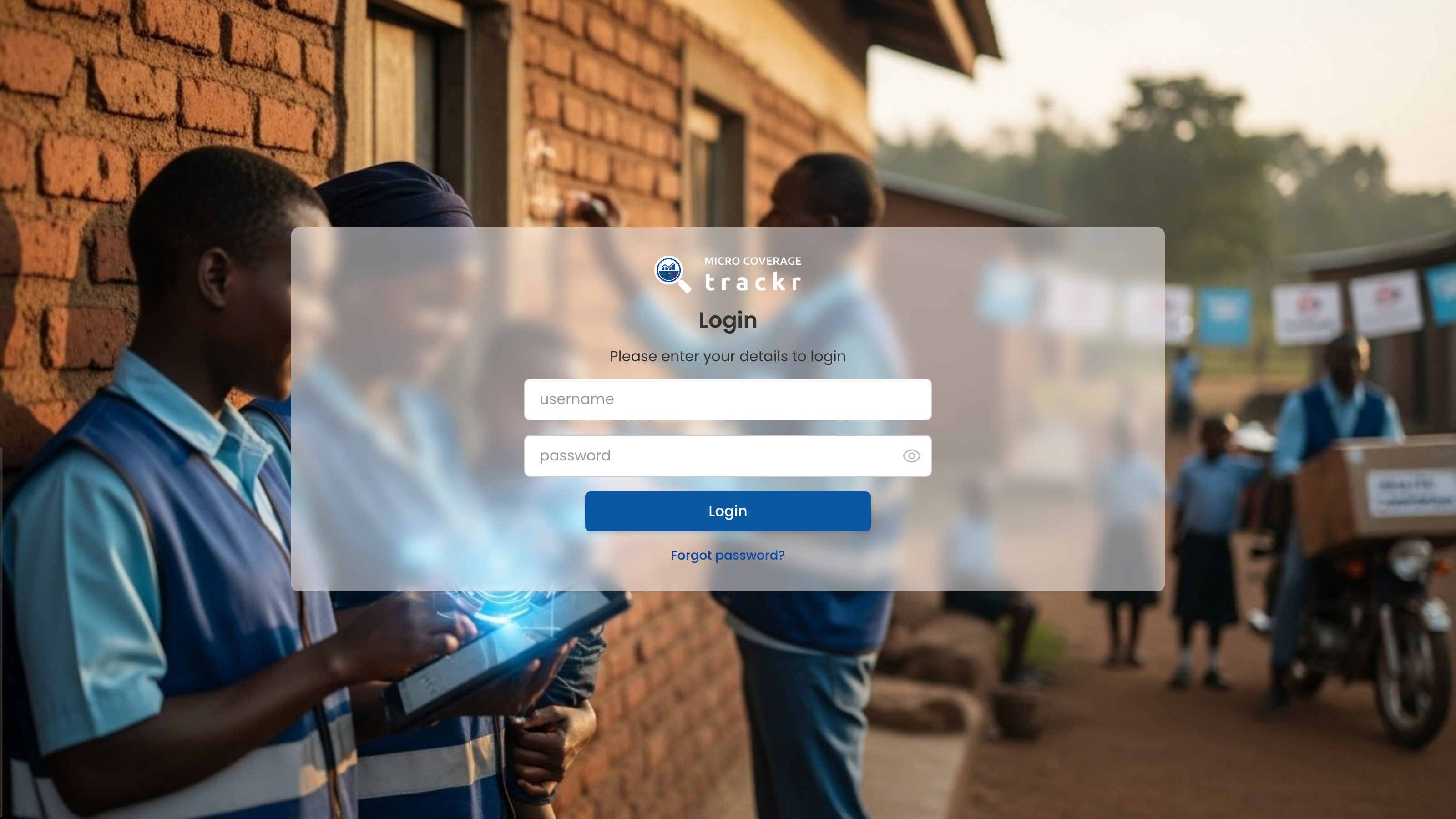
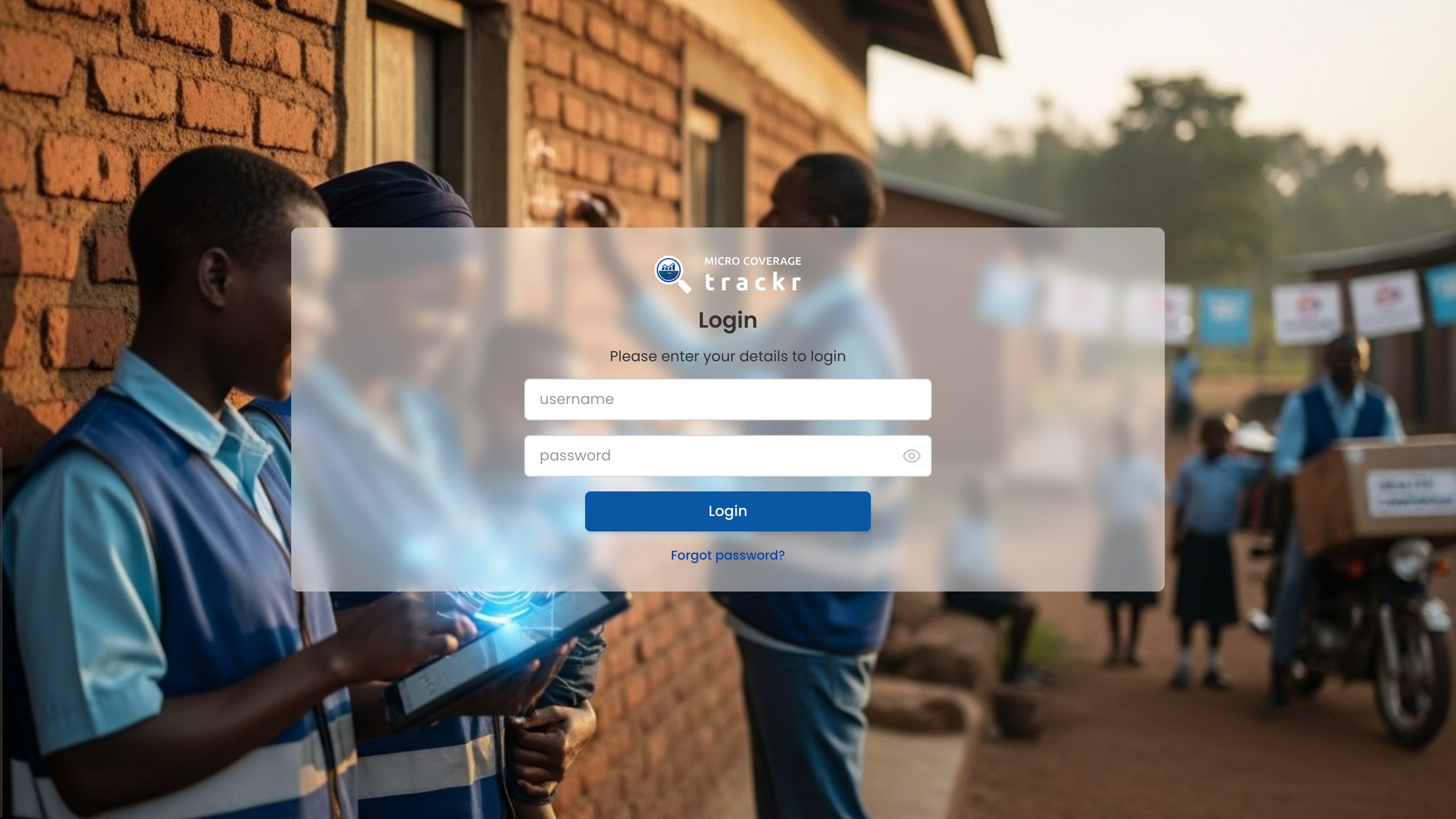
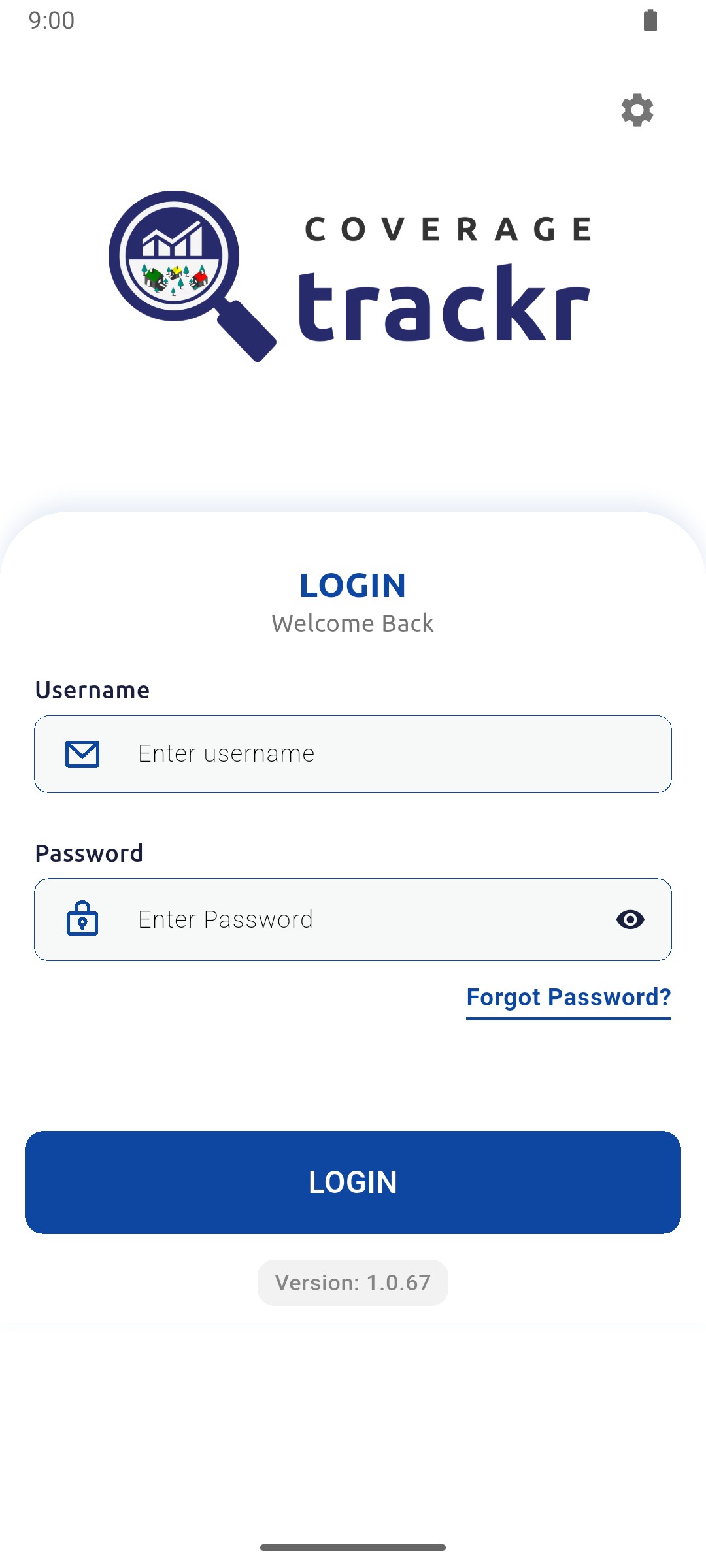
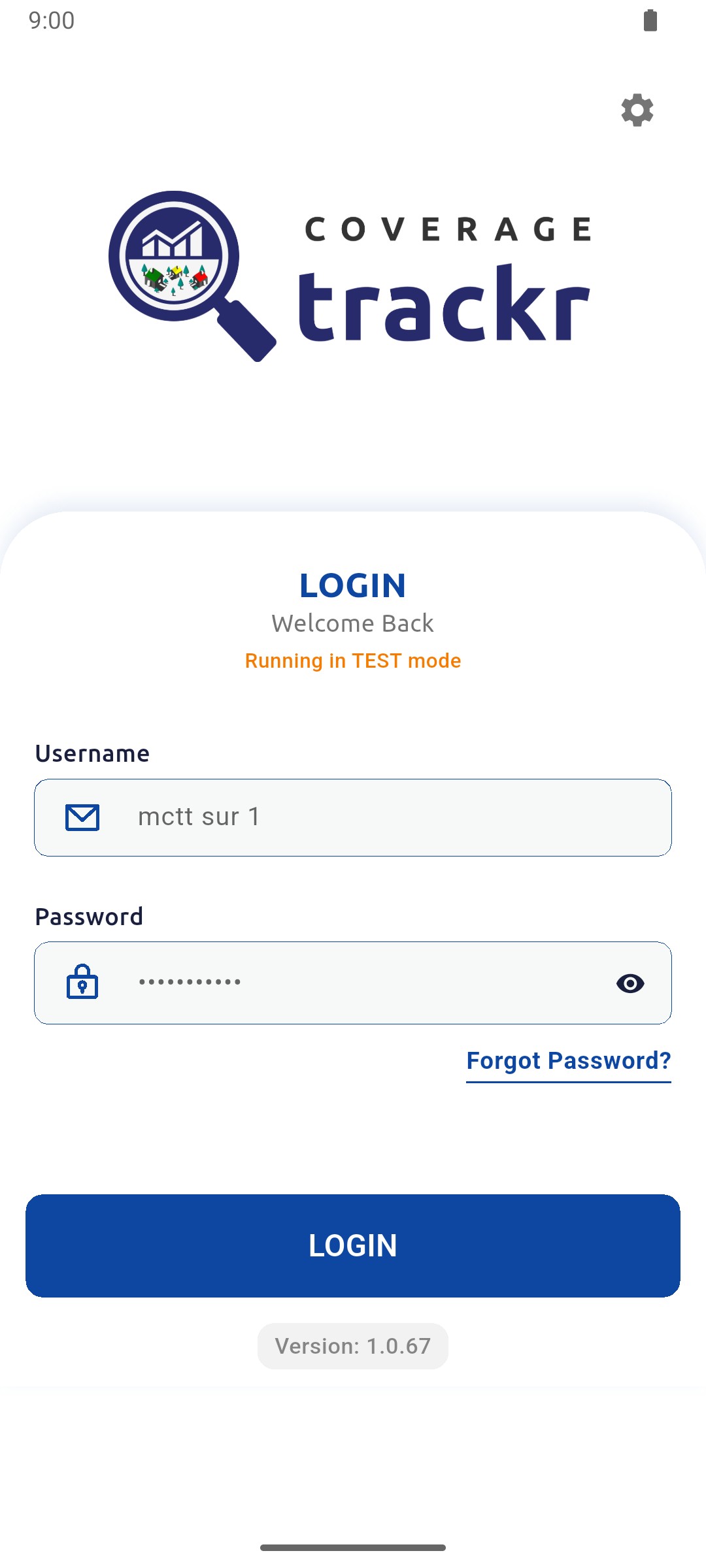
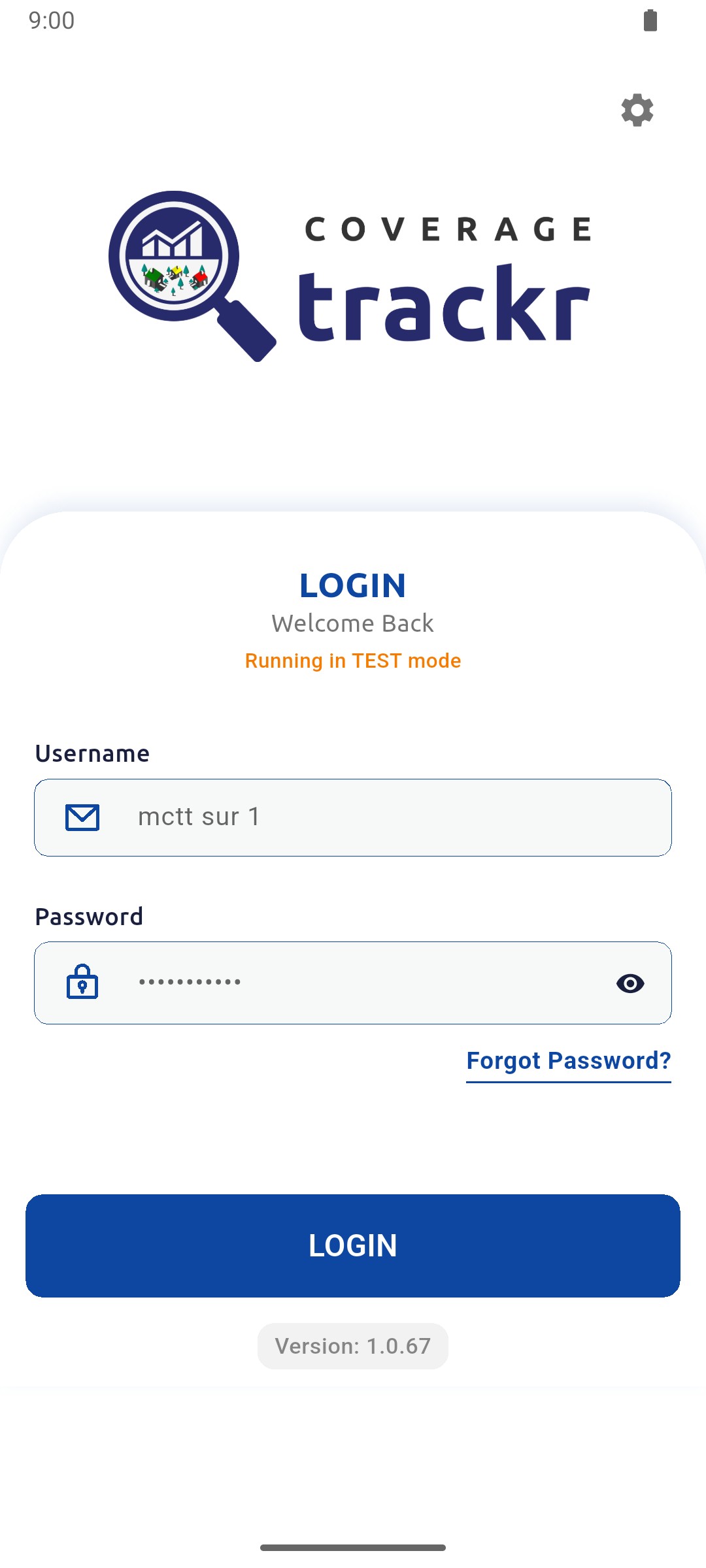
Open the CoverageTrackr web address, enter your username and password, then select Login.
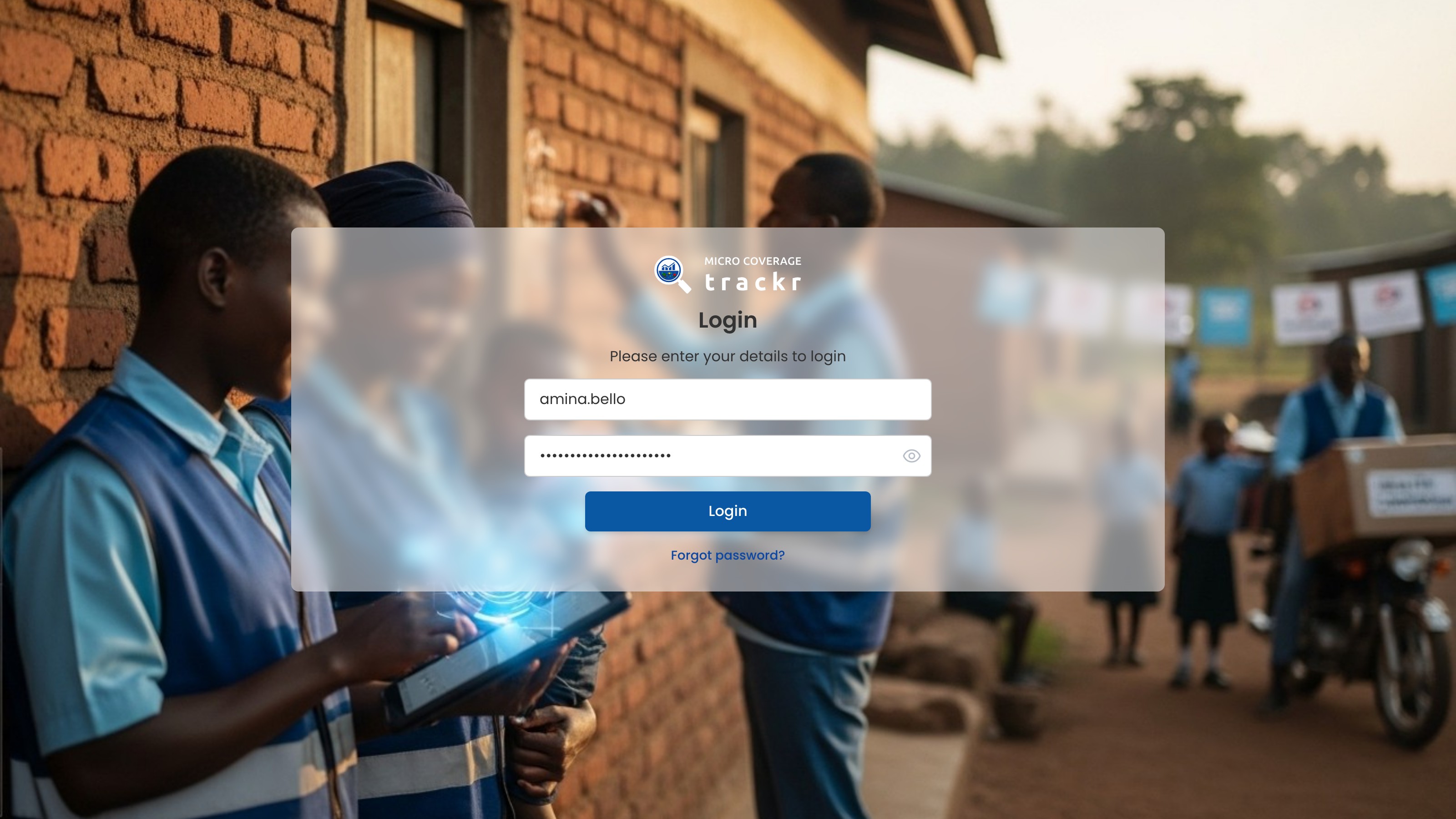
1 — sign-in fields · 2 — login button.
CoverageTrackr sign-in page with the login form
Confirm the active programme
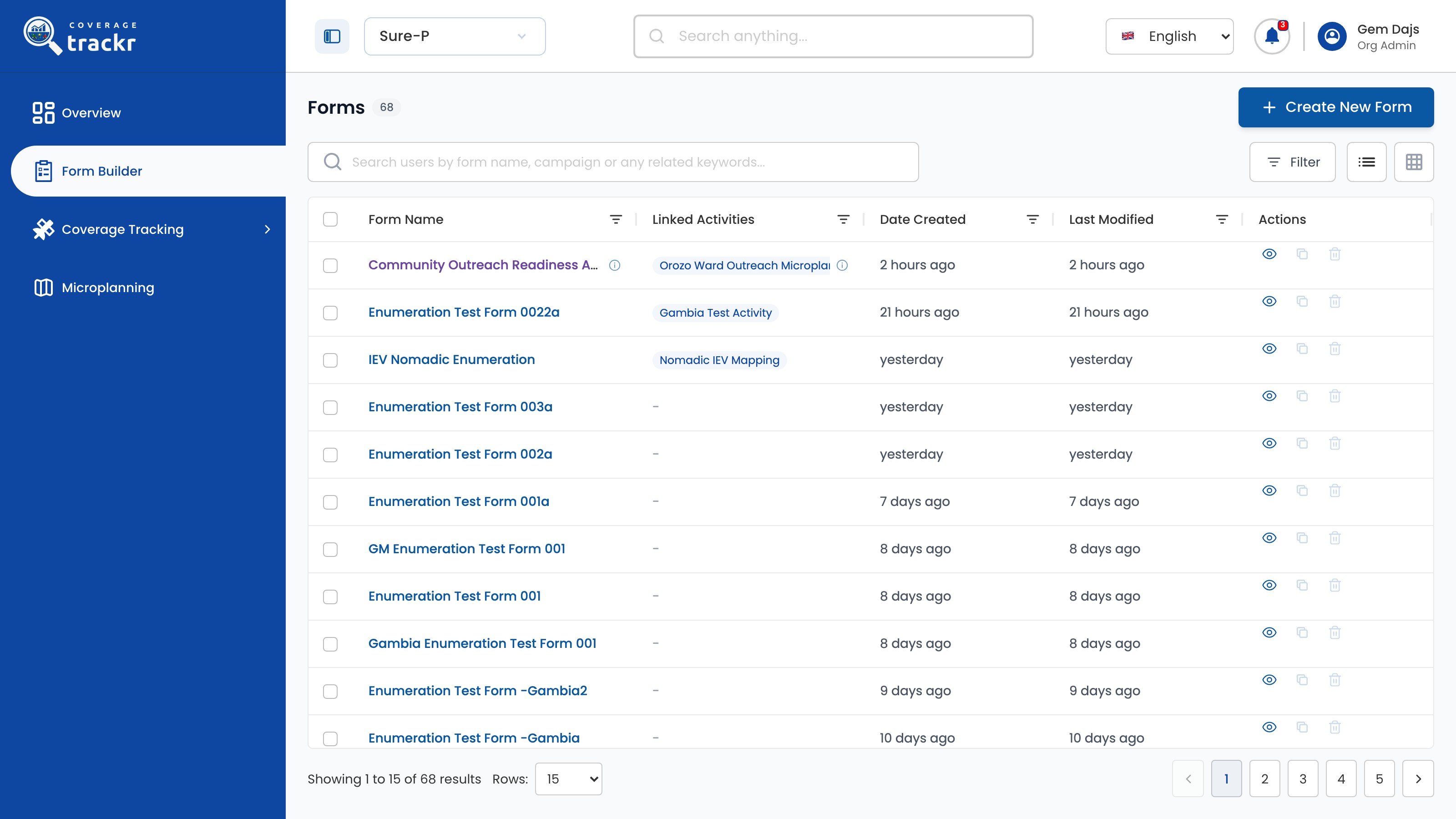
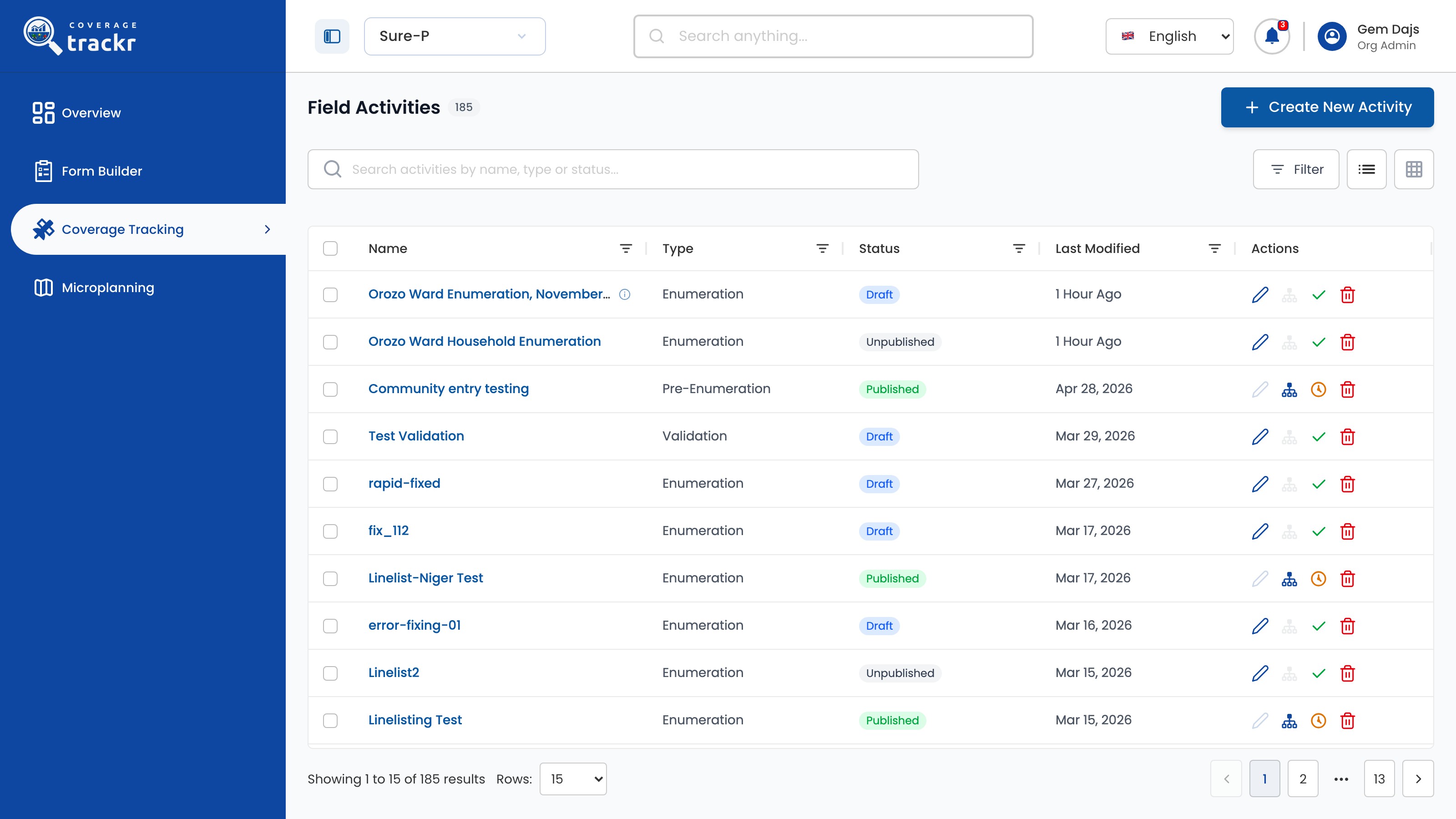
On Overview, check the programme selector in the header before opening a workflow.

1 — programme selector.
CoverageTrackr Overview page with the programme selector in the header
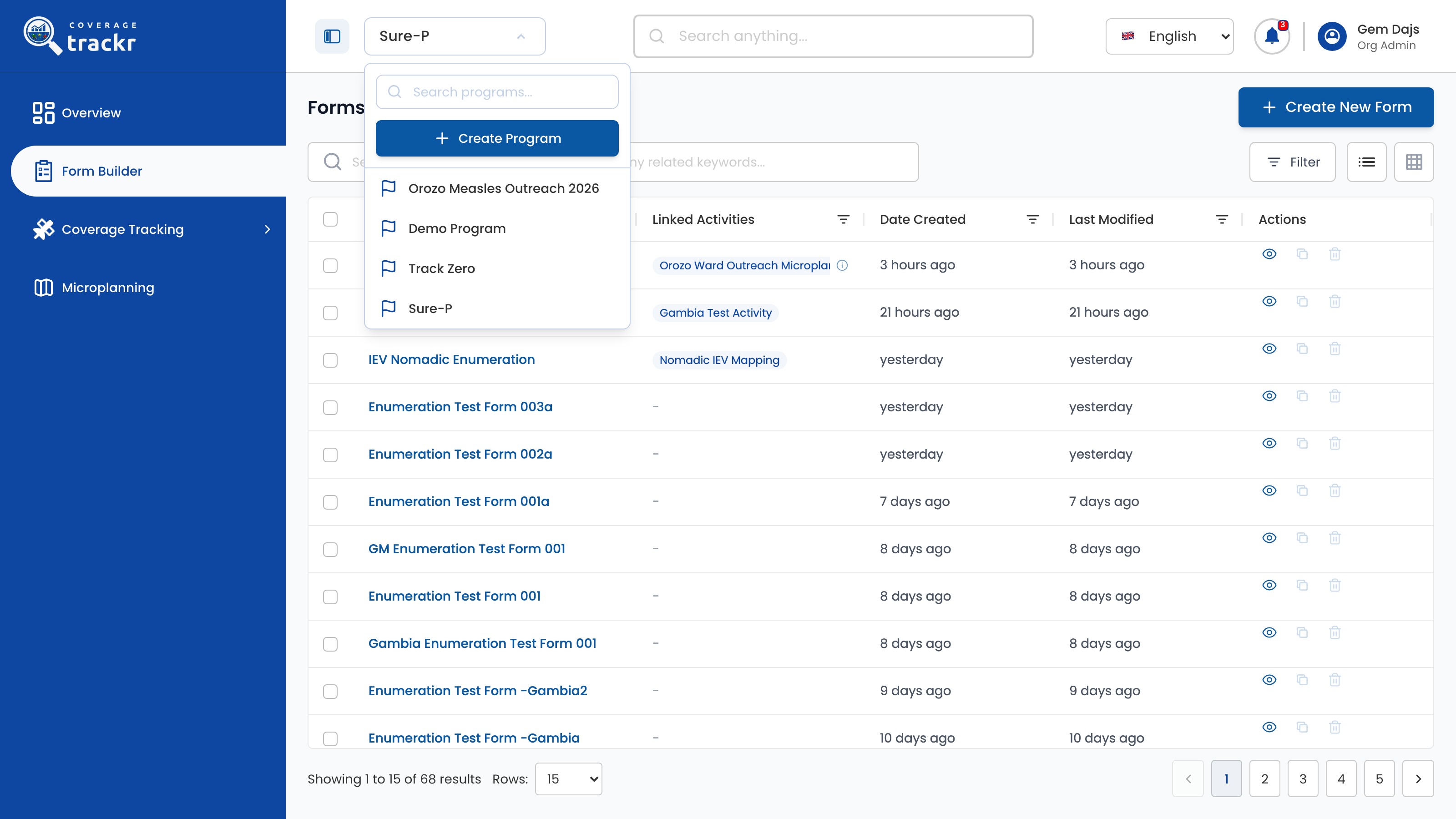
Switch programme when required
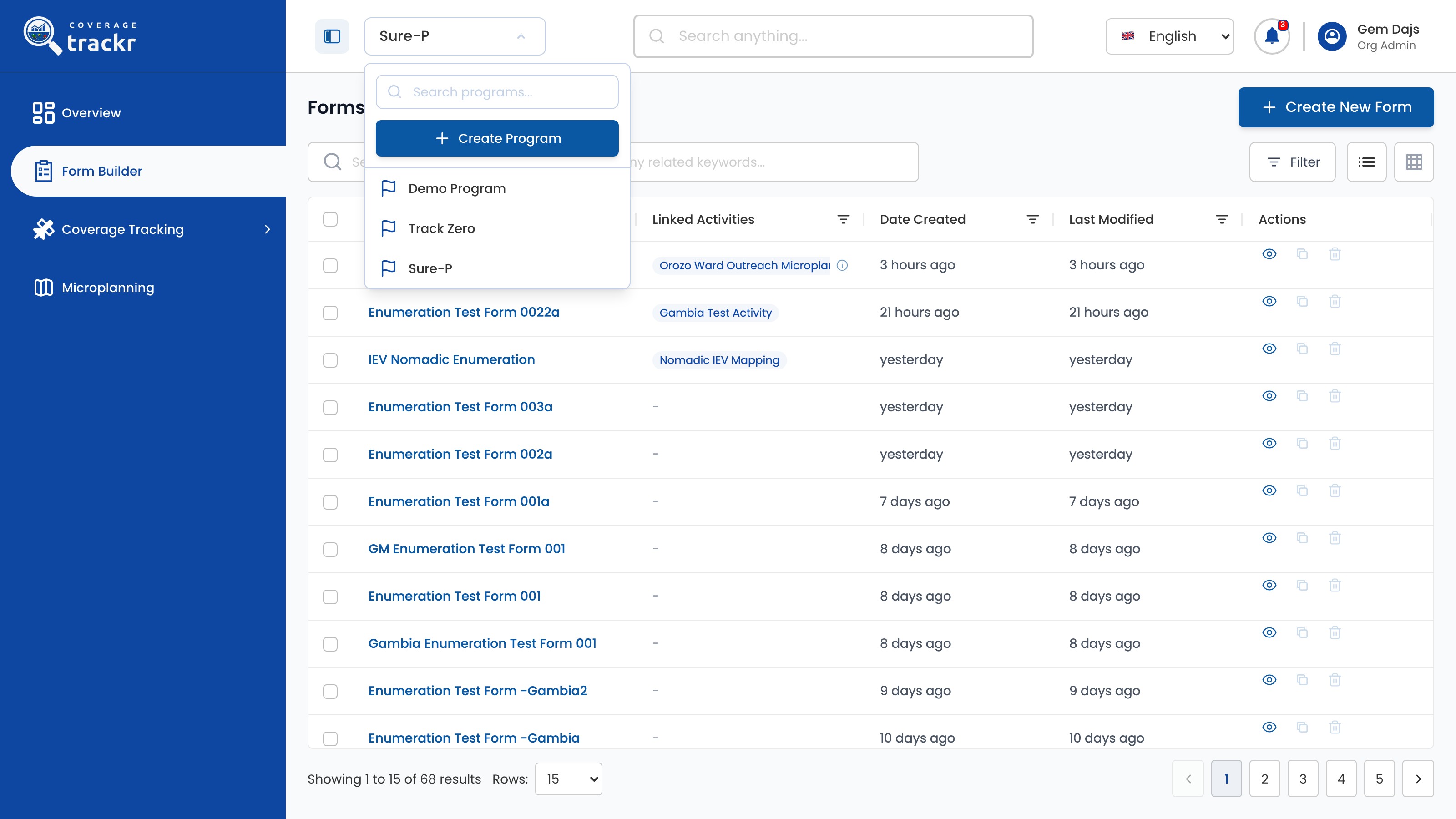
Open the programme selector and choose the programme whose activities you want to manage. The current programme is marked CURRENT.
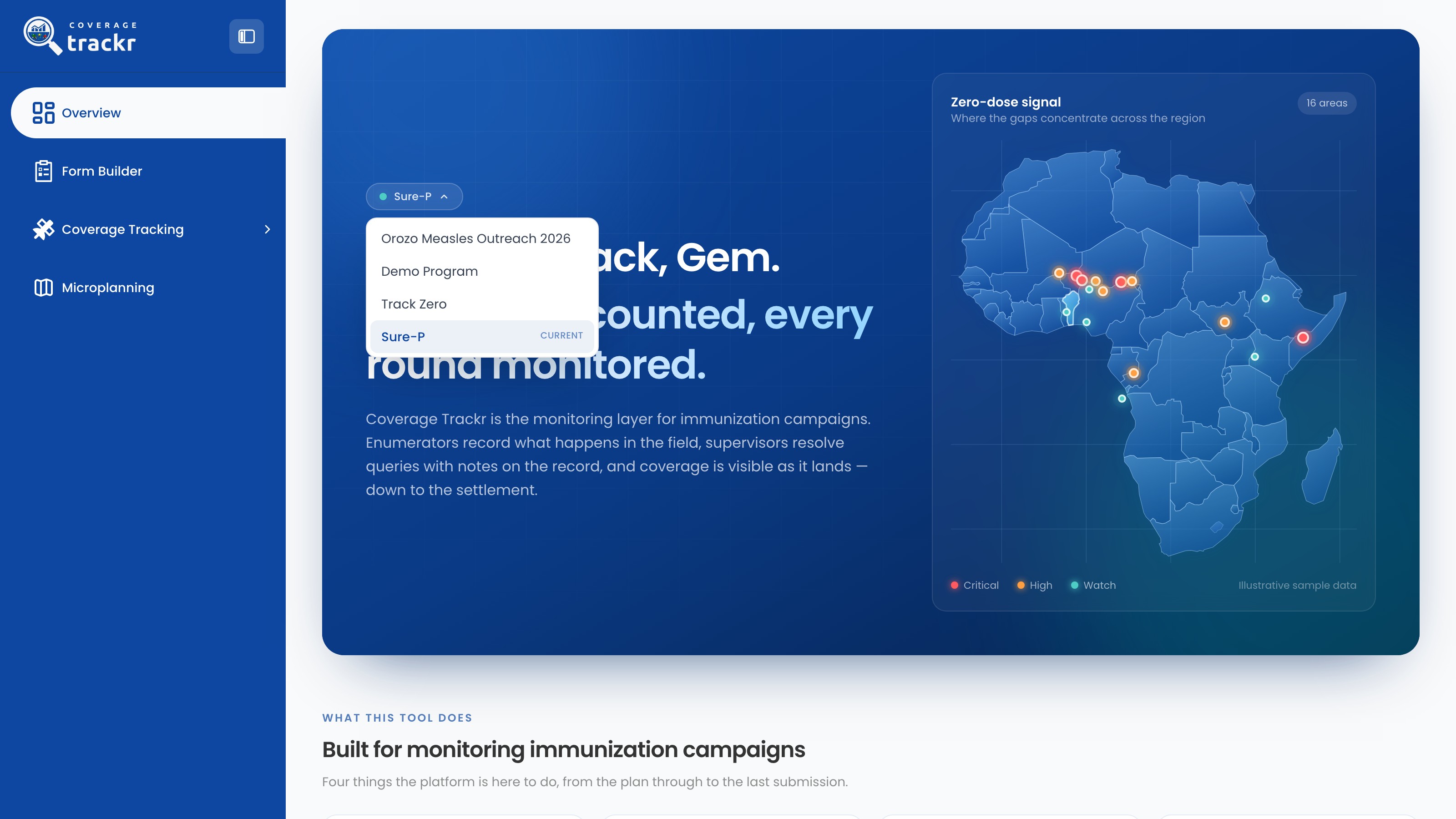
1 — programme selector · 2 — current programme.
Open programme selector showing the available CoverageTrackr programmes
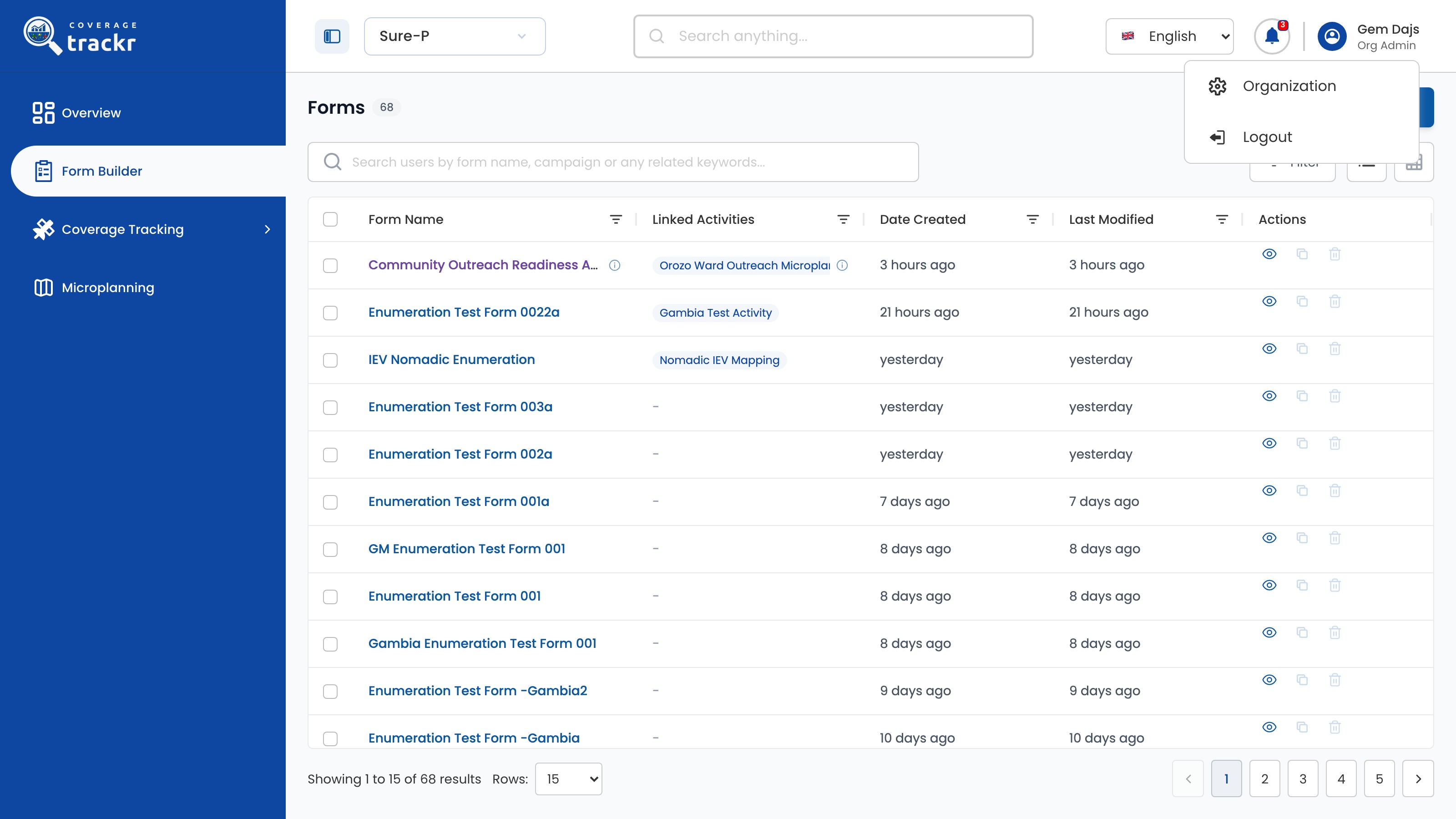
Done. The required programme is active and its programme navigation is available.
If something goes wrong
The programme I need is not listed. What should I do?
Ask an organization administrator to confirm your programme access before continuing.